For branch leaders
Let branches move fast while head office stays in control.
BizPlusX gives every branch a clear way to sell, manage stock, serve customers, and close the day. Head office sets shared rules and sees where help or action is needed.
Made for growing operators that need branch speed without losing standards, visibility, or control.

The BizPlusX promise
A complete operating platform, backed by a practical rollout
One branch view
Keep work in context
Sales, stock, staff, customers, and payments stay with the right location.
Shared rules
Set the standard once
Apply proven workflows and approved access across the branches that need them.
Clear exceptions
See what needs help
Managers can find incomplete work without chasing a new spreadsheet.
Wave rollout
Open with less risk
Pilot one branch, improve the setup, then expand in supported groups.
See the product
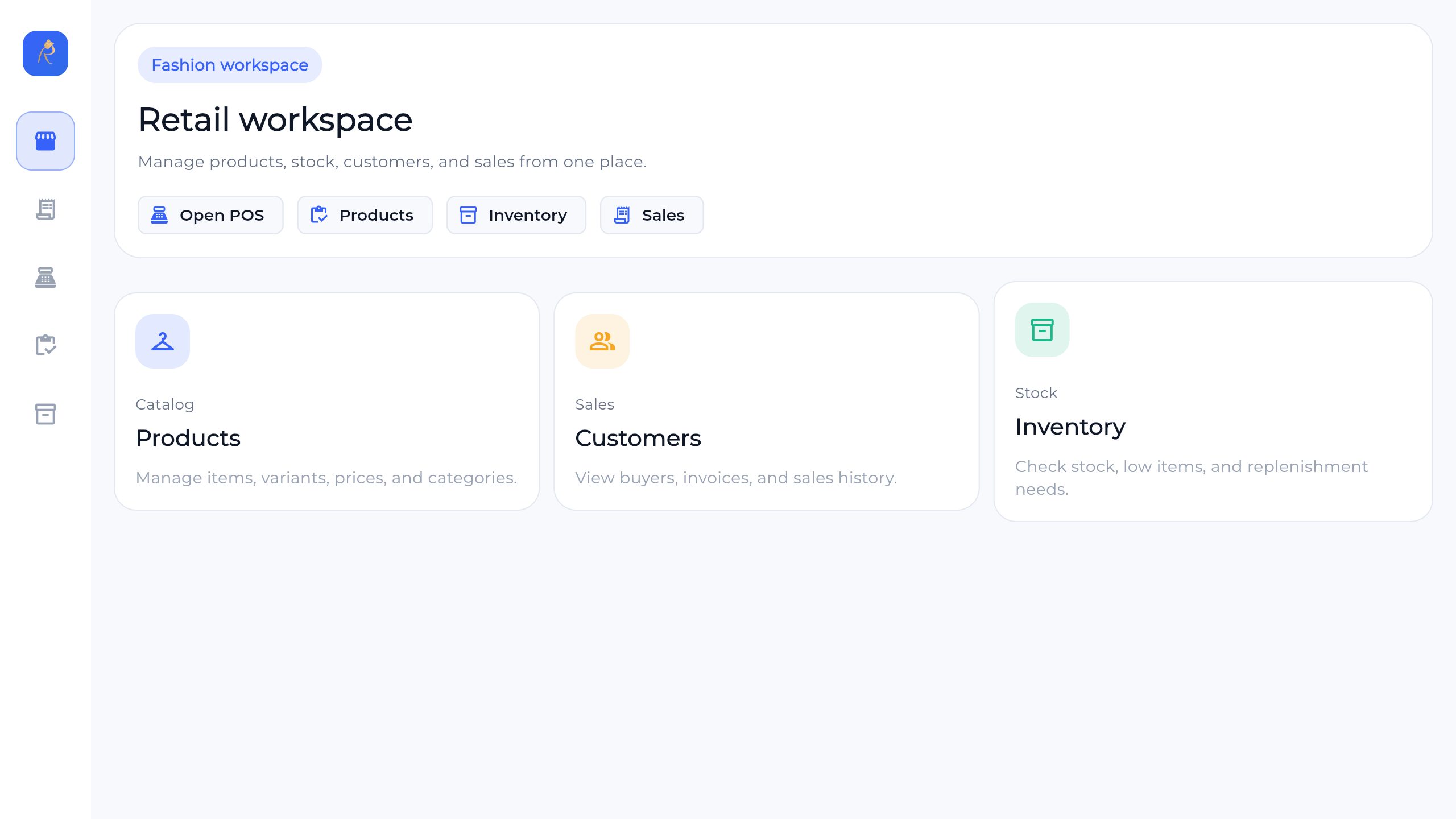
A workspace your front line and leaders can use
BizPlusX connects the daily screens used by sales and service teams with the back-office views used by branch managers, stock teams, finance, and leadership. Explore the live product, then ask us to show this workflow with your own branch and team needs.
Back office
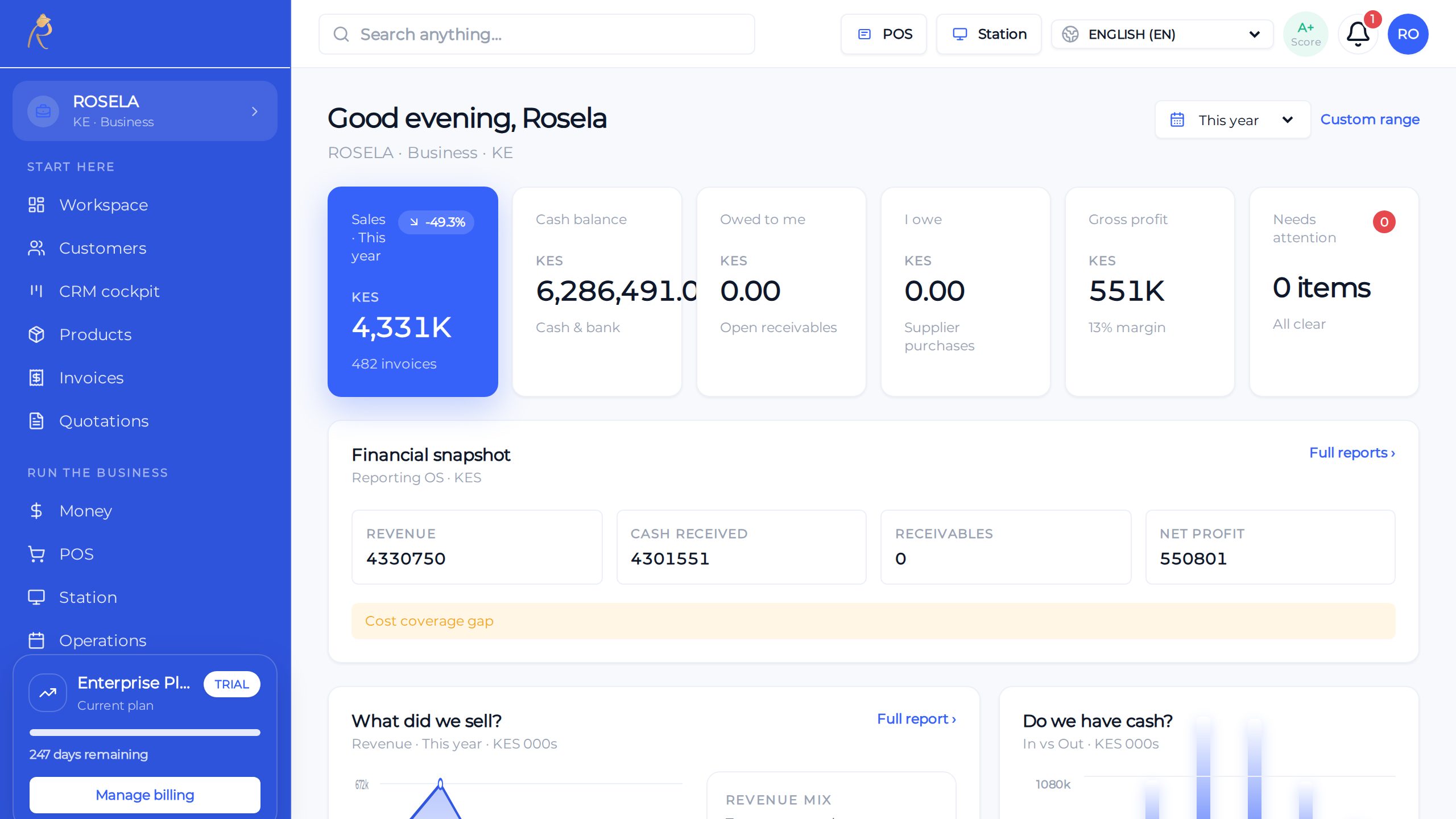
Sales, stock, and cash—one honest picture for owners
POS
Checkout built for busy lanes—held sales, tenders, receipts
Finance
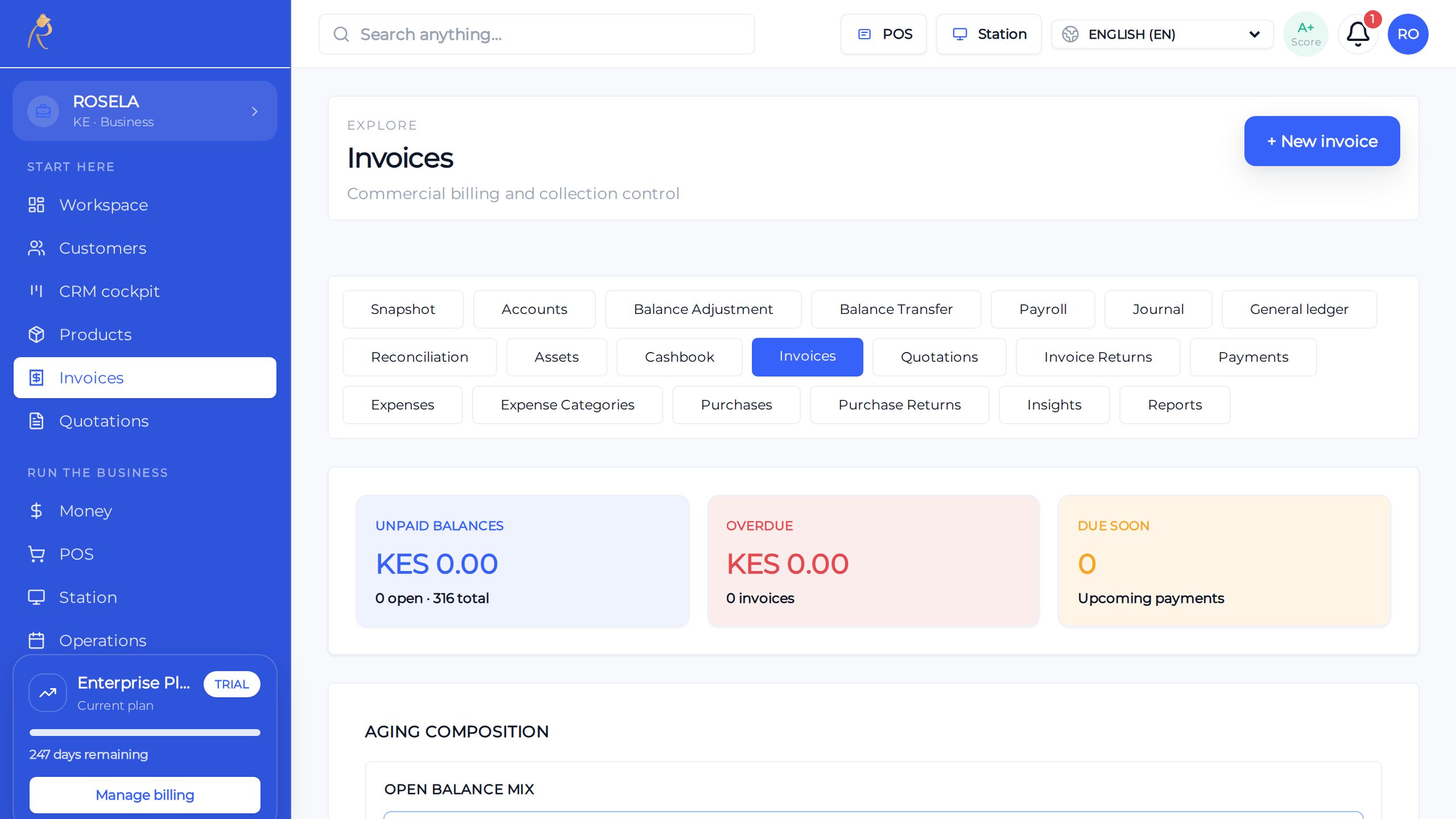
Send, track, and get paid without spreadsheet chaos
What BizPlusX does
Clear work at every level
This is working product capability—not a list of tasks we hand back to your team. We configure the agreed scope, connect the records, and help your first users make it part of the working day.
Head office
Set shared rules, view the full business, and step in when a branch needs help.
Branch managers
Run the day, review staff work, check stock, and handle local problems.
Front-line staff
See the tasks and screens needed for the job, without extra clutter.
Finance teams
Review sales, payments, unpaid balances, and branch close work.
Stock teams
Track receiving, counts, changes, and branch-to-branch moves.
Customers
Get a steady experience even when they use more than one branch.
From first review to a working first team
BizPlusX does more than provide software access. We help turn your business choices into a usable setup, a trained team, and a rollout path you can repeat.
A clear central and local model
We help define what stays the same everywhere and what each branch can decide.
Ready-to-use workspaces
We configure branch context, staff roles, products, payments, stock work, and manager views.
Training for real jobs
Cashiers, supervisors, stock teams, managers, and finance learn the work they will perform.
A repeatable opening plan
We support the pilot, review issues, and reuse the proven setup for the next branch group.
How we move from decision to daily use
- 1
Set the branch plan
BizPlusX works with your team to bizPlusX works with your team to agree on staff, products, prices, stock, payments, and reports. We agree the owner, result, and next check before moving forward. We agree the owner, result, and next check before moving forward.
- 2
Load clean data
BizPlusX works with your team to bizPlusX works with your team to check product, customer, and opening stock lists before they go in. We agree the owner, result, and next check before moving forward. We agree the owner, result, and next check before moving forward.
- 3
Practice
BizPlusX works with your team to bizPlusX works with your team to let staff try normal work and common problems. We agree the owner, result, and next check before moving forward. We agree the owner, result, and next check before moving forward.
- 4
Open
BizPlusX works with your team to bizPlusX works with your team to keep support close during the first days. We agree the owner, result, and next check before moving forward. We agree the owner, result, and next check before moving forward.
- 5
Review
BizPlusX works with your team to bizPlusX works with your team to fix gaps before the next branch opens. We agree the owner, result, and next check before moving forward. We agree the owner, result, and next check before moving forward.
What a successful rollout should change
Less branch chasing
Leaders spend less time collecting updates from calls, chats, and files.
Steadier daily work
Teams use the same clear steps for the work that matters most.
Earlier action
Open items and branch exceptions are easier to see and assign.
Faster new-branch setup
A proven branch model gives each new team a stronger starting point.
Questions buyers ask before rollout
Can branch staff see only their branch?
Access can be set by job and branch needs. We confirm the exact rules during setup.
Can stock move between branches?
Yes. Teams can record the move so both branches know what was sent and received.
Do all branches need to open at once?
No. Small launch groups are safer and easier to support.
See what BizPlusX can deliver for your business
Tell us your branch count, team size, current tools, and biggest daily problem. We will map the product fit, the first useful scope, the known gaps, and a practical rollout path.