
Use cases
Turn WhatsApp conversations, QR scans, and daily sales into paid, trackable work
Start with the channels customers already use. BizPlusX helps your team move from WhatsApp or a PlusQR scan to an order, PlusXPay payment path, receipt, customer record, and report—without losing the handoff.
See the product
From customer action to business record
Explore real BizPlusX screens for customer conversations, orders, checkout, payments, stock, and management reporting. Then ask us to show the workflow with your own business needs.
Back office
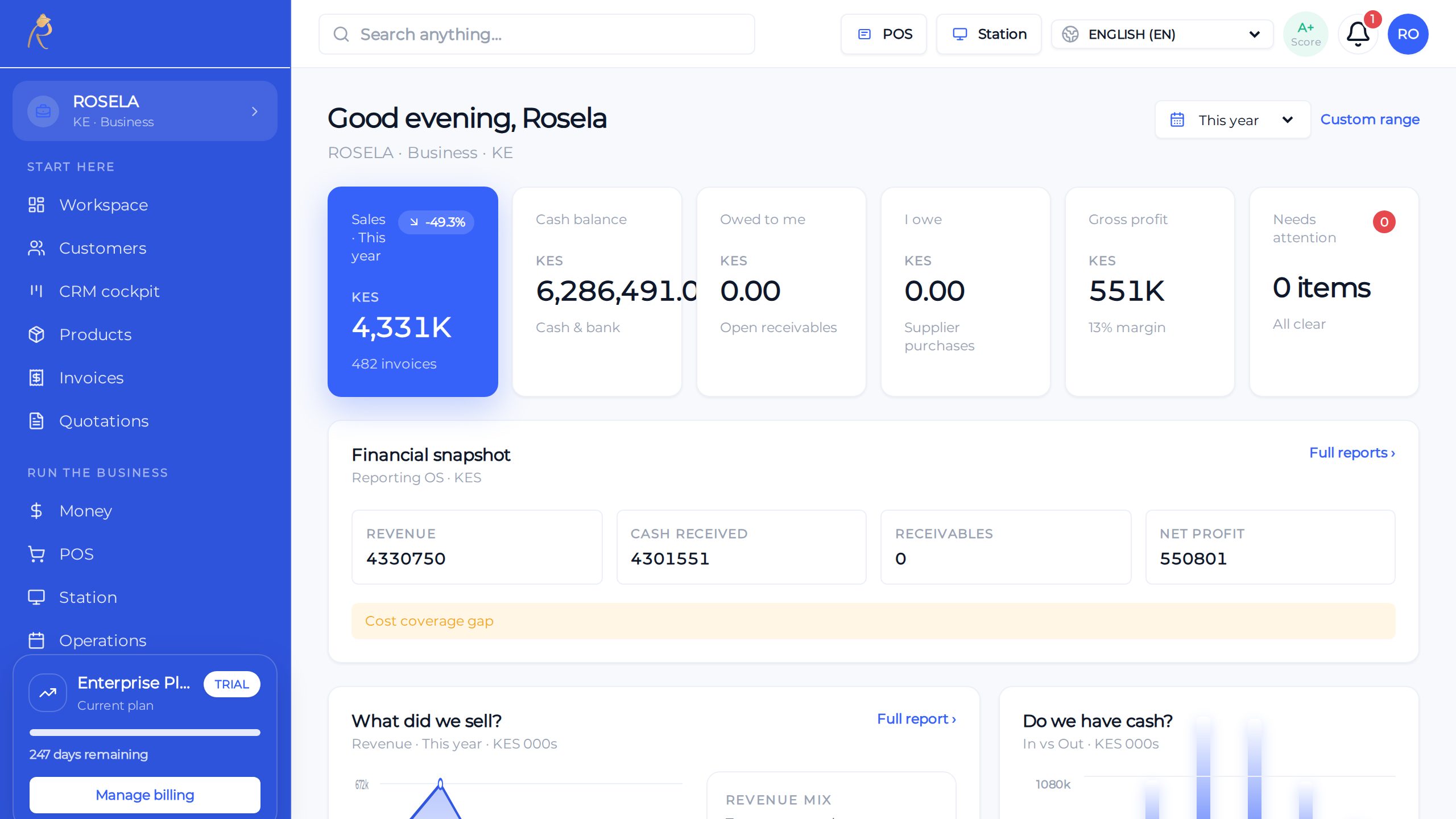
Sales, stock, and cash—one honest picture for owners
POS
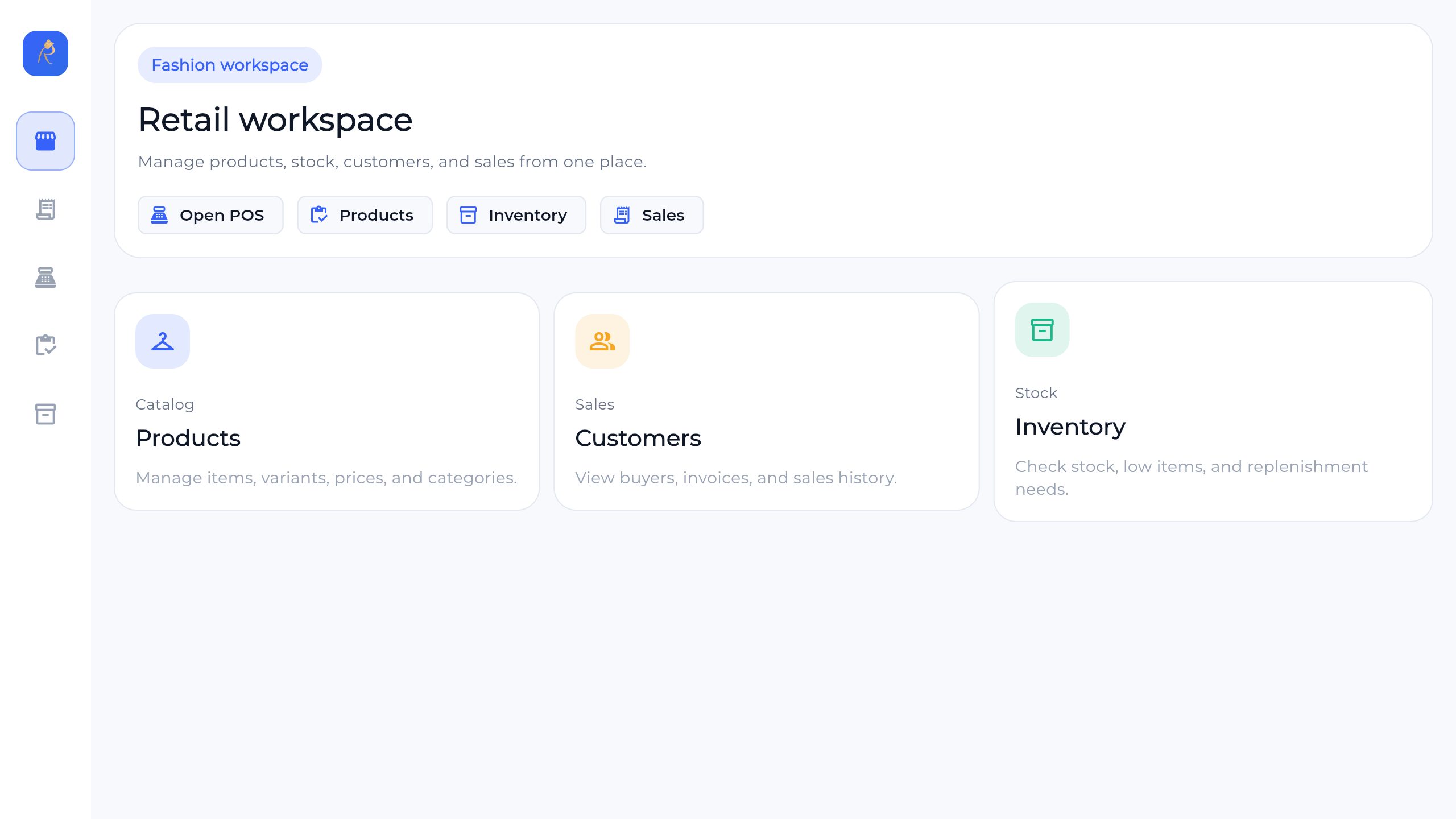
Checkout built for busy lanes—held sales, tenders, receipts
Finance
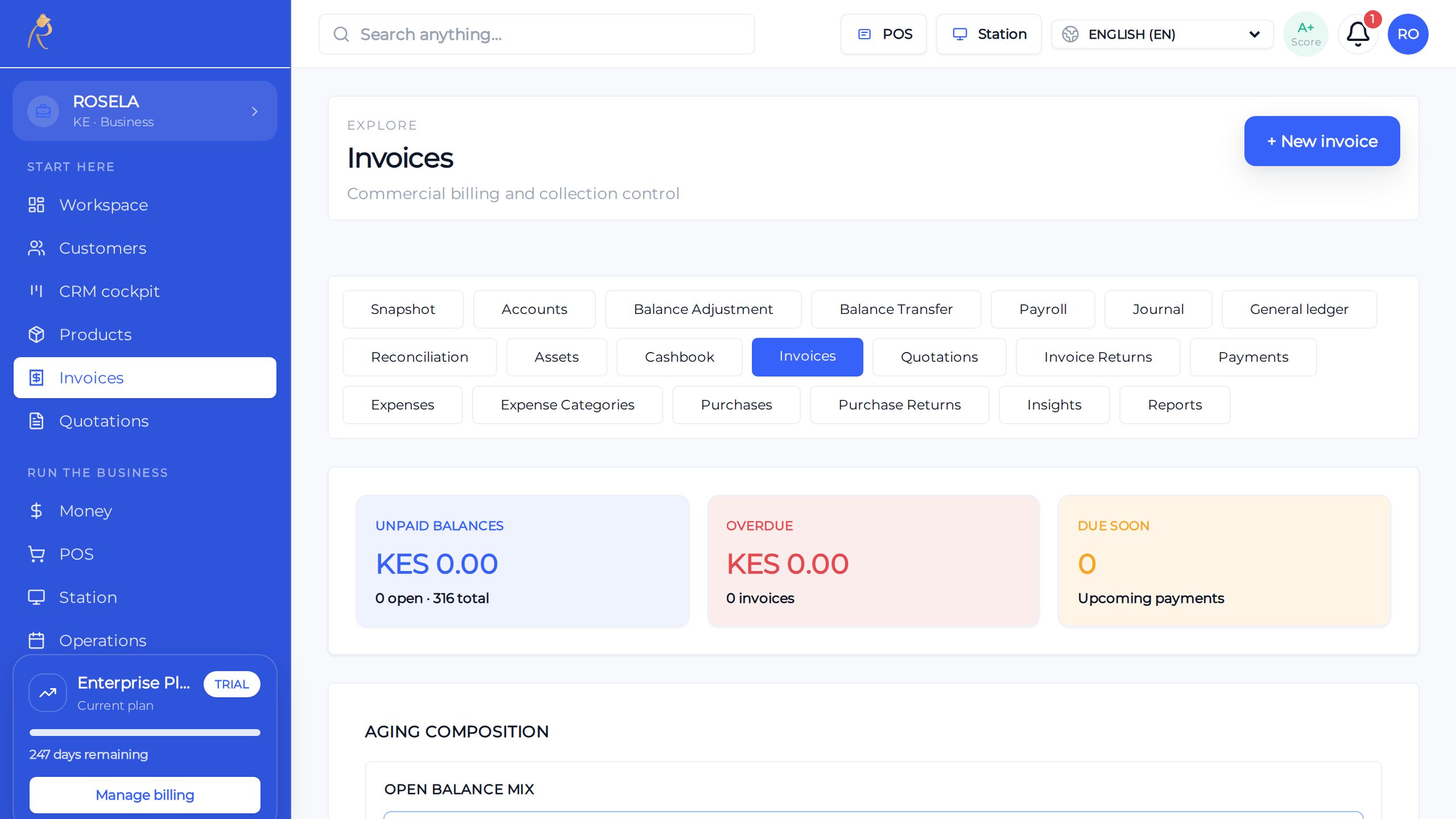
Send, track, and get paid without spreadsheet chaos
Start where your next sale starts
Lead with WhatsApp, PlusXPay, or PlusQR. Then connect the customer, order, payment, fulfilment, and report around the same work.
Turn conversations into orders
Keep customer context, approved replies, orders, invoices, payments, and follow-up connected.
See WhatsApp selling → →Request, track, and reconcile payment
Connect the payment request, provider result, receipt, customer, and finance review.
Explore PlusXPay → →Turn a scan into action
Use a QR scan to open an order, payment link, receipt, table flow, or customer next step.
Explore PlusQR → →POS & daily operations
Connect checkout, stock, customers, payments, receipts, and the daily close.
Open workflow → →Pattern
Every workflow shares the same backbone
One customer
Keep the full story
Chat, QR scans, orders, invoices, payments, and follow-up stay connected.
One payment trail
Know what happened
Follow the request, provider result, receipt, balance, and finance review.
One supported rollout
Move from demo to daily use
We help confirm fit, set up the workflow, train the team, and review the pilot.
Not sure which workflow fits?
Tell us your country, team size, and top pain—we will show the matching modules and a sane rollout order.