For business leaders
See what happened and what needs attention.
BizPlusX turns daily sales, payments, stock, customer, and branch work into views leaders can use. See what happened, open the record behind it, and give the next action to the right person.
Move from late branch spreadsheets to shared business views with clear dates, locations, and source records.

The BizPlusX promise
A complete operating platform, backed by a practical rollout
Sales
See the trading day
Review what sold, when it sold, and where the sale happened.
Cash and balances
See money that moved—or did not
Compare payments with sales and find balances that need follow-up.
Stock
See what may block the next sale
Review stock on hand, recent changes, and low-stock items.
Branch action
Turn a signal into work
Open the source and assign the next step instead of sending another spreadsheet.
See the product
A workspace your front line and leaders can use
BizPlusX connects the daily screens used by sales and service teams with the back-office views used by branch managers, stock teams, finance, and leadership. Explore the live product, then ask us to show this workflow with your own branch and team needs.
Back office
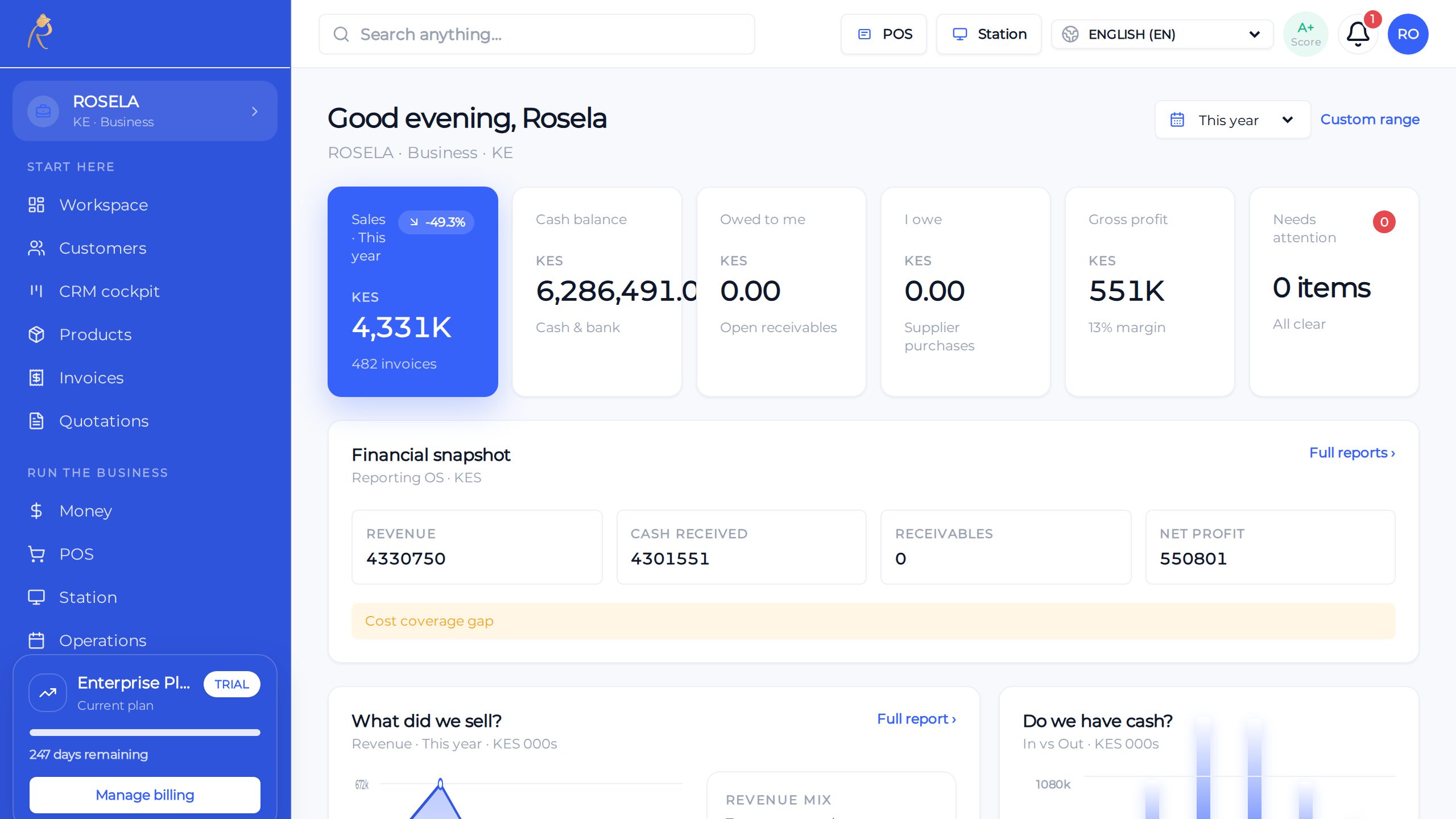
Sales, stock, and cash—one honest picture for owners
POS
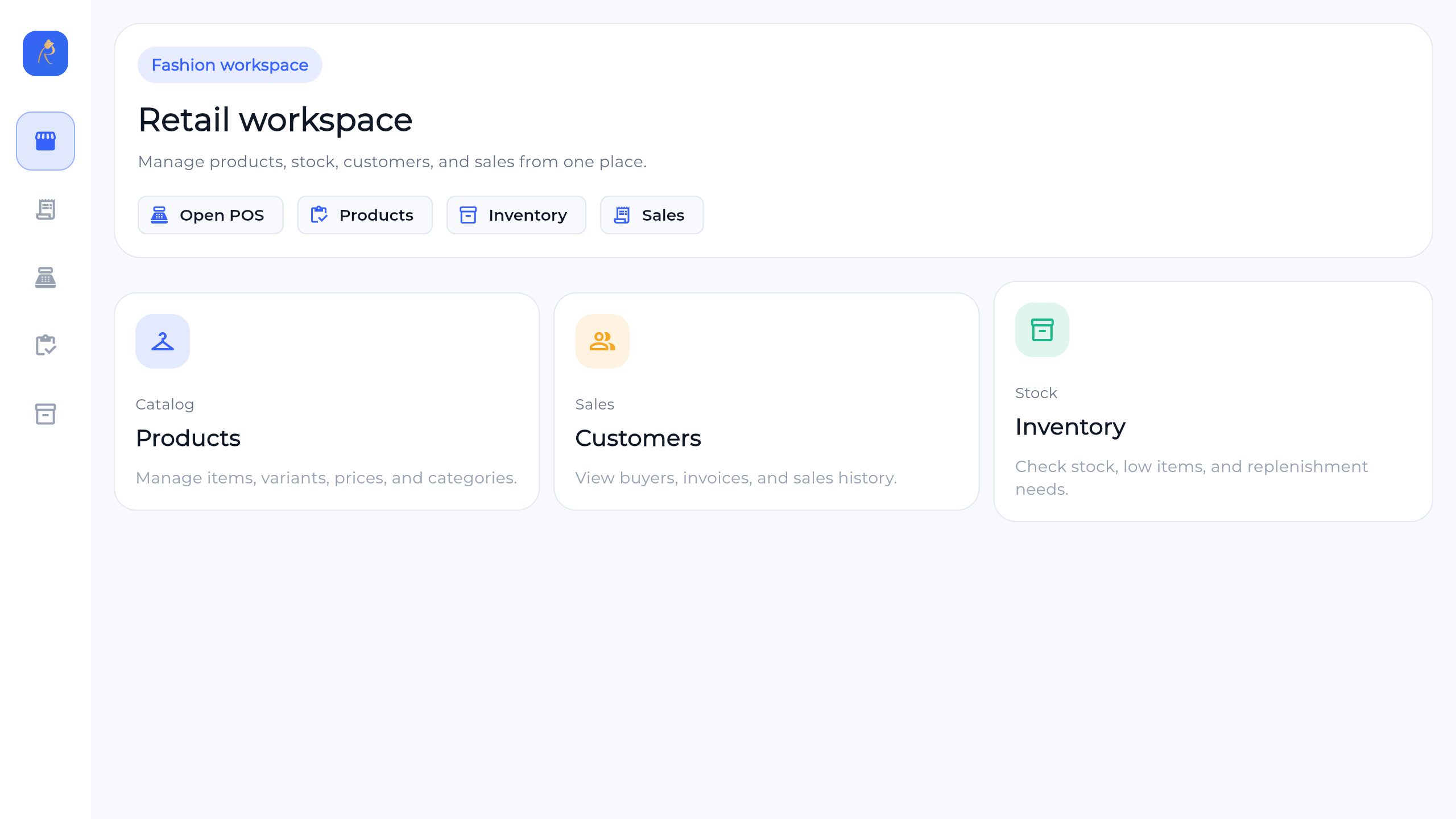
Checkout built for busy lanes—held sales, tenders, receipts
Finance
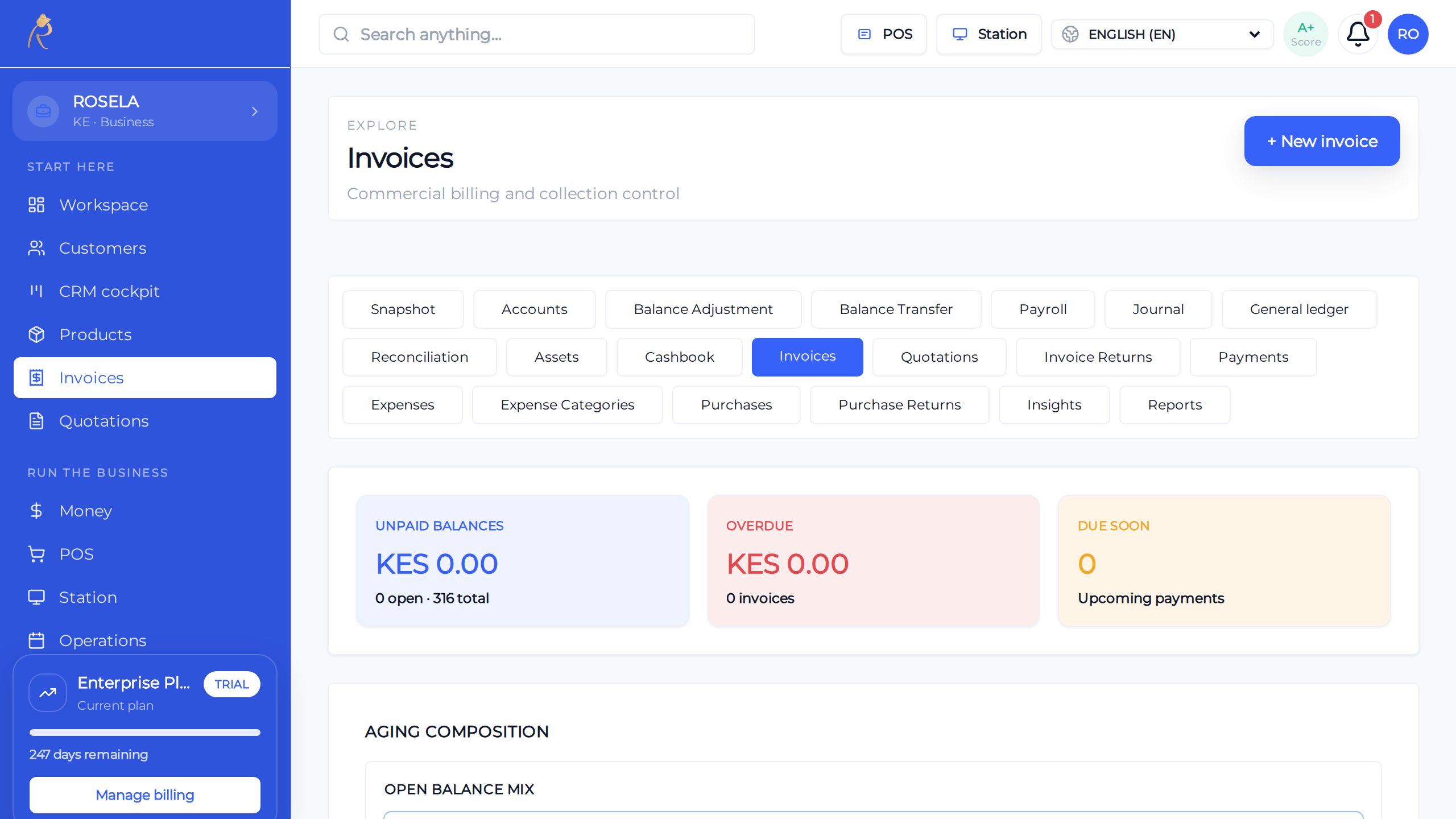
Send, track, and get paid without spreadsheet chaos
What BizPlusX does
Reports for everyday decisions
This is working product capability—not a list of tasks we hand back to your team. We configure the agreed scope, connect the records, and help your first users make it part of the working day.
Sales
See what sold, when it sold, and which branch made the sale.
Cash received
Compare money received with sales and unpaid amounts.
Customer balances
Find who owes money and which invoices need follow-up.
Stock
Review stock on hand, fast-moving items, and items at risk.
Branch view
Compare branches using the same dates and clear business facts.
Tasks
See important work that needs an owner or a quick decision.
From first review to a working first team
BizPlusX does more than provide software access. We help turn your business choices into a usable setup, a trained team, and a rollout path you can repeat.
Reports built around decisions
We start with the questions owners, finance, and managers must answer each day and week.
The right branch and role scope
We set up the agreed views around the people and locations that should use them.
A shared definition
We confirm dates, sources, and the meaning of the key numbers used in the pilot.
A meeting that ends in action
We help the first team use the views to find causes, name owners, and track follow-up.
How we move from decision to daily use
- 1
Pick five questions
BizPlusX works with your team to bizPlusX works with your team to choose the few questions that drive action this week. We agree the owner, result, and next check before moving forward. We agree the owner, result, and next check before moving forward.
- 2
Use the same dates
BizPlusX works with your team to bizPlusX works with your team to make sure each branch and report uses the same period. We agree the owner, result, and next check before moving forward. We agree the owner, result, and next check before moving forward.
- 3
Check missing data
BizPlusX works with your team to bizPlusX works with your team to do not treat a missing number as zero. We agree the owner, result, and next check before moving forward. We agree the owner, result, and next check before moving forward.
- 4
Find the cause
BizPlusX works with your team to bizPlusX works with your team to open the sales, stock, or customer records behind the number. We agree the owner, result, and next check before moving forward. We agree the owner, result, and next check before moving forward.
- 5
Assign the action
BizPlusX works with your team to bizPlusX works with your team to name the person, due date, and result you expect. We agree the owner, result, and next check before moving forward. We agree the owner, result, and next check before moving forward.
What a successful rollout should change
Faster weekly reviews
Leaders begin with shared facts instead of collecting files during the meeting.
Earlier problem finding
Stock, payment, customer, and branch issues are easier to spot and assign.
Fewer number debates
Teams can see the date, branch, and work behind a result.
Clearer ownership
Each important exception can move from a number to a named next action.
Questions buyers ask before rollout
Are all reports live at once?
Some numbers may take time to update. The report should show the period and what data it uses.
Can we export reports?
Some reports support export. We confirm the exact reports and file types you need.
Can leaders see all branches?
Yes, when their access is set for the full business.
See what BizPlusX can deliver for your business
Tell us your branch count, team size, current tools, and biggest daily problem. We will map the product fit, the first useful scope, the known gaps, and a practical rollout path.