For managers and admins
Give each person the right access for the job.
BizPlusX gives each person the tools and access needed for the job. Named accounts, branch scope, and manager approvals help the team move quickly with clear control.
Turn real jobs—cashier, supervisor, manager, stock, finance, and admin—into access your business can understand and review.

The BizPlusX promise
A complete operating platform, backed by a practical rollout
Named users
Know who did the work
Replace shared logins with an account for each team member.
Job-based access
Show the right tools
Give each role the work it needs without a full admin account.
Branch scope
Keep access in context
Set access around the location or wider business view the job requires.
Manager checks
Control sensitive work
Build clear approval paths for the actions that need them.
See the product
A workspace your front line and leaders can use
BizPlusX connects the daily screens used by sales and service teams with the back-office views used by branch managers, stock teams, finance, and leadership. Explore the live product, then ask us to show this workflow with your own branch and team needs.
Back office
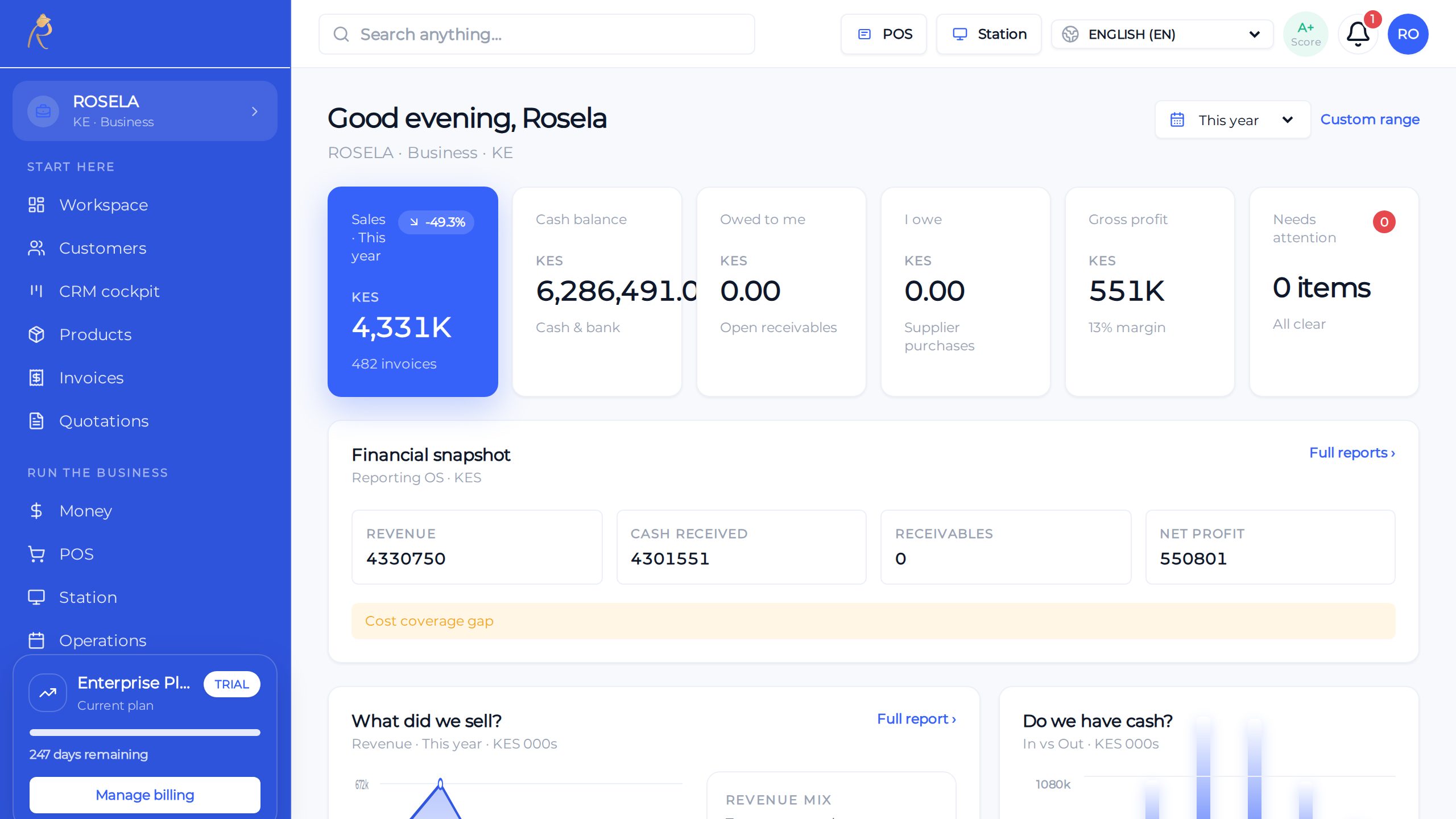
Sales, stock, and cash—one honest picture for owners
POS
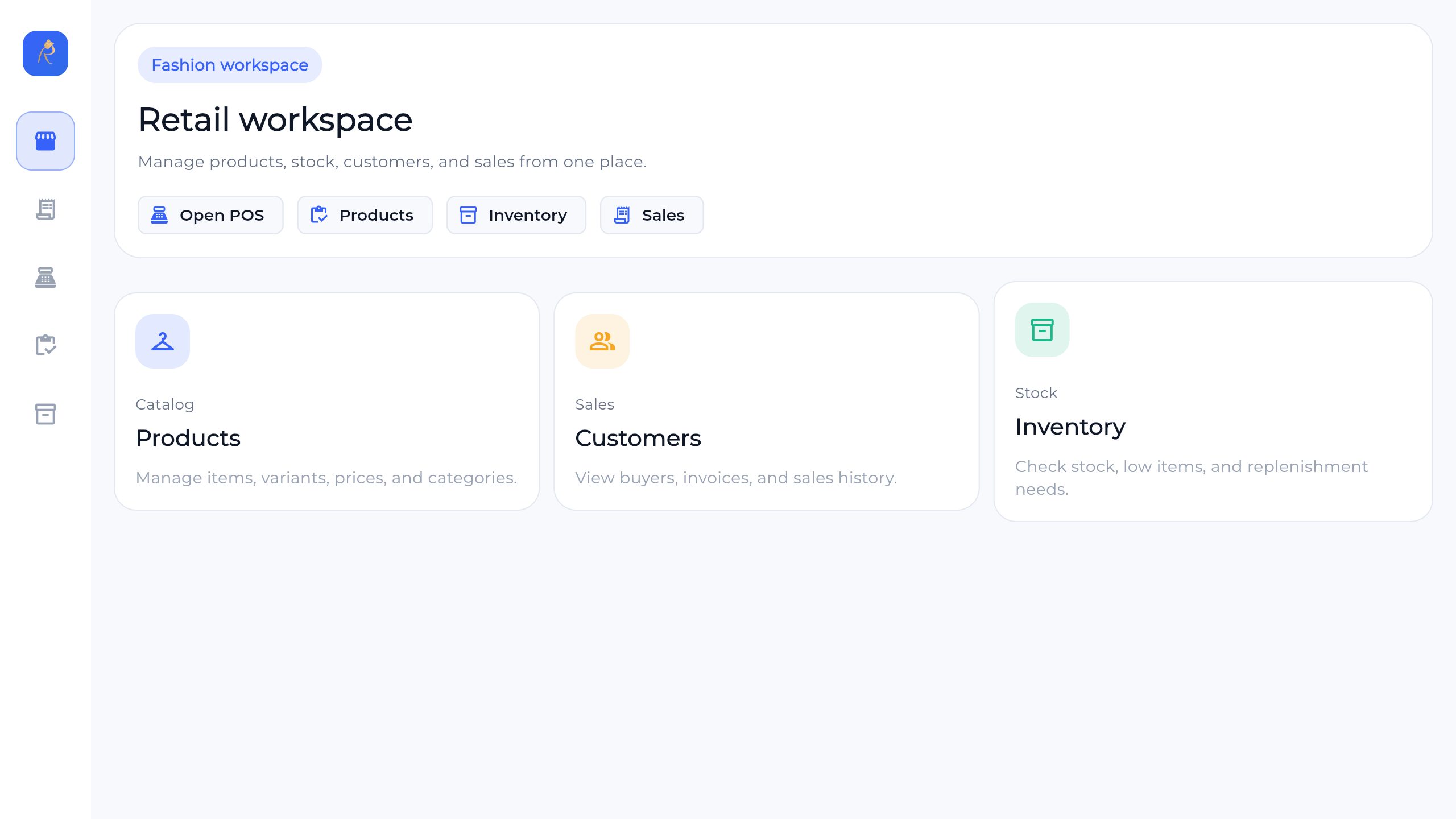
Checkout built for busy lanes—held sales, tenders, receipts
Finance
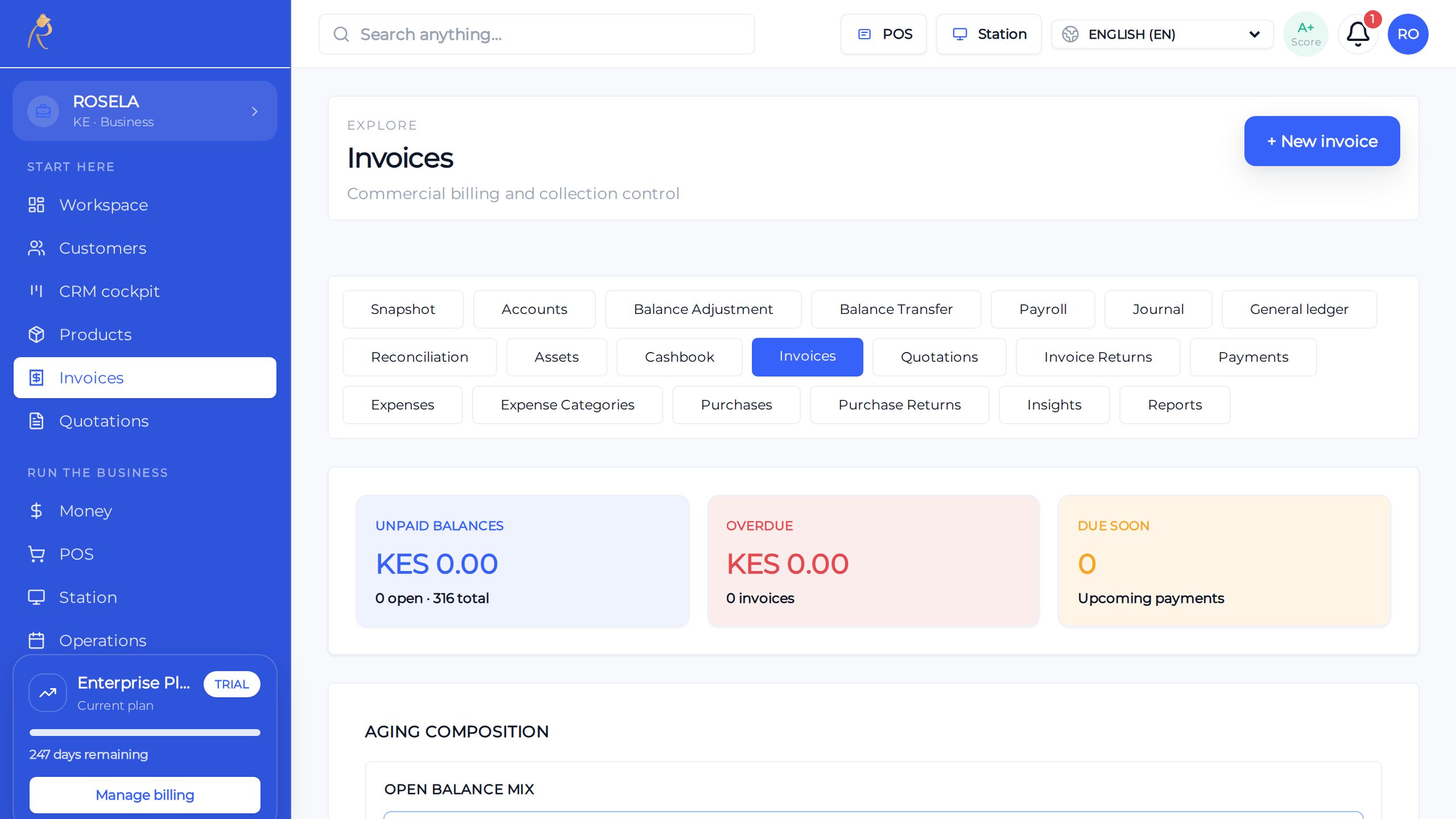
Send, track, and get paid without spreadsheet chaos
What BizPlusX does
Roles that match real jobs
This is working product capability—not a list of tasks we hand back to your team. We configure the agreed scope, connect the records, and help your first users make it part of the working day.
Cashier
Sell, take payment, and give receipts.
Supervisor
Help with approved discounts, returns, and other special cases.
Branch manager
Review the branch, staff work, stock, and close tasks.
Stock manager
Receive goods, count stock, check gaps, and manage approved changes.
Finance
Review invoices, payments, balances, and close work.
Admin
Set up users, branches, business details, and key settings.
From first review to a working first team
BizPlusX does more than provide software access. We help turn your business choices into a usable setup, a trained team, and a rollout path you can repeat.
Access built around real jobs
We map common work, sensitive actions, branch needs, and manager checks with your team.
A clean staff start
We configure named users and the agreed role and branch access for the pilot.
Proof before launch
We test what each role can do and the actions it should not perform.
A simple access process
Admins learn how to add people, change roles, remove old access, and review the setup.
How we move from decision to daily use
- 1
List the jobs
BizPlusX works with your team to bizPlusX works with your team to write down what each job must do. We agree the owner, result, and next check before moving forward. We agree the owner, result, and next check before moving forward.
- 2
Mark risky actions
BizPlusX works with your team to bizPlusX works with your team to find work such as refunds, price changes, and stock changes. We agree the owner, result, and next check before moving forward. We agree the owner, result, and next check before moving forward.
- 3
Choose who approves
BizPlusX works with your team to bizPlusX works with your team to name the manager for each risky action. We agree the owner, result, and next check before moving forward. We agree the owner, result, and next check before moving forward.
- 4
Test
BizPlusX works with your team to bizPlusX works with your team to check what each role can and cannot do before launch. We agree the owner, result, and next check before moving forward. We agree the owner, result, and next check before moving forward.
- 5
Review often
BizPlusX works with your team to bizPlusX works with your team to remove old access when people move jobs or leave. We agree the owner, result, and next check before moving forward. We agree the owner, result, and next check before moving forward.
What a successful rollout should change
Fewer shared accounts
Actions are easier to connect to the staff member who performed them.
Less excess access
People do not need a full admin account to complete normal work.
Faster staff onboarding
New team members can start from a proven role setup.
Clearer reviews
Managers can check access when people join, change jobs, or leave.
Questions buyers ask before rollout
Should staff share one account?
No. Each person should use a named account.
Can managers approve special work?
Yes. We map the approval steps your business needs.
How often should access be checked?
Check it when jobs change and on a regular schedule, such as every three months.
See what BizPlusX can deliver for your business
Tell us your branch count, team size, current tools, and biggest daily problem. We will map the product fit, the first useful scope, the known gaps, and a practical rollout path.