
One customer list
A person is one record. Their orders, bookings, payments and messages hang off it.
The platform
Your first website, invoices and simple sales are on Flex. The till and WhatsApp are on Basic. Stock is on Business.
Owed balances are on Basic. Kenya eTIMS is on Business.

Look inside
The dashboard, the invoice list and the checkout, as your team sees them.
Sales
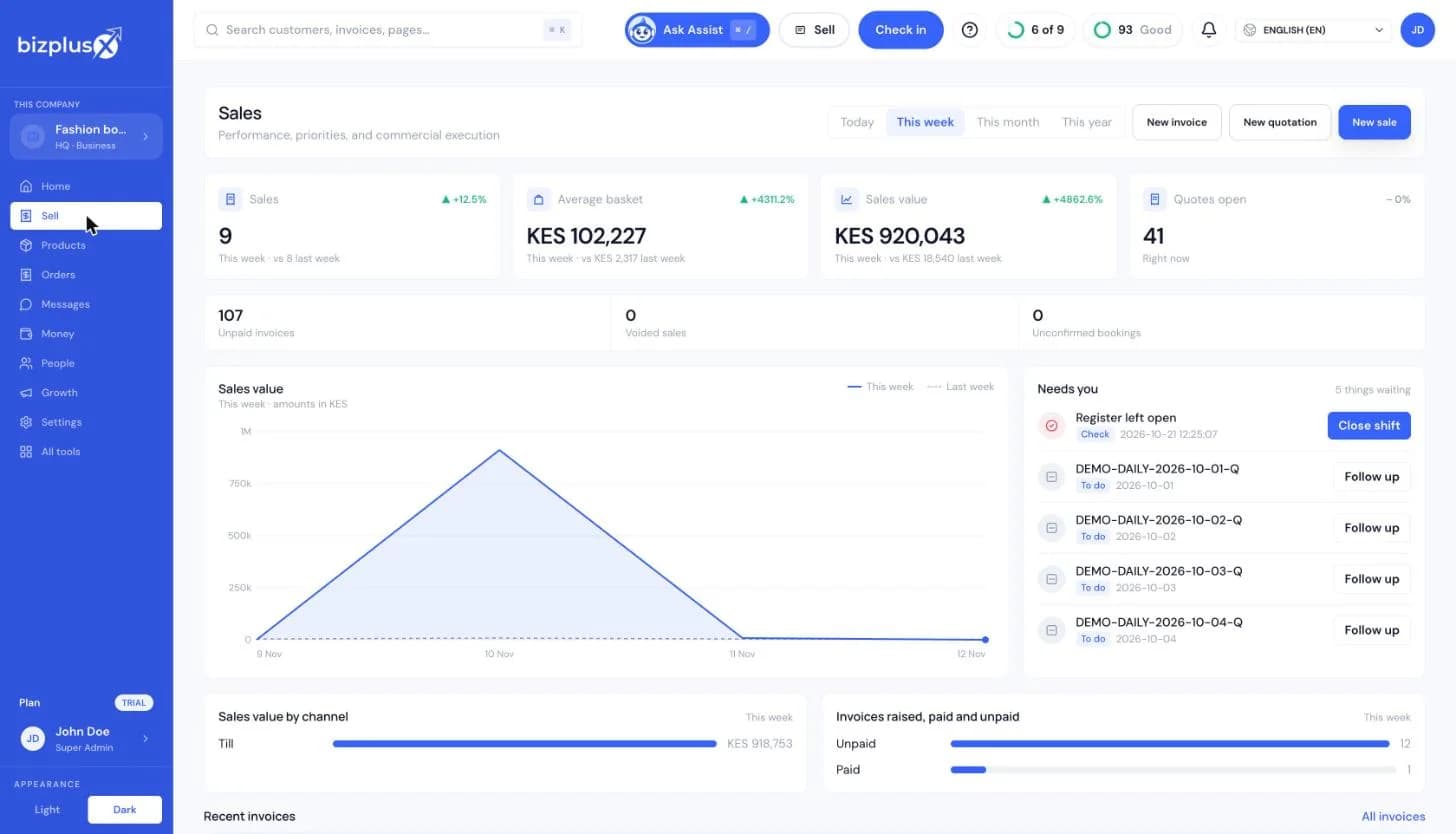
The week's sales, what is waiting on you, and buttons to start a sale, an invoice or a quotation.
Invoice
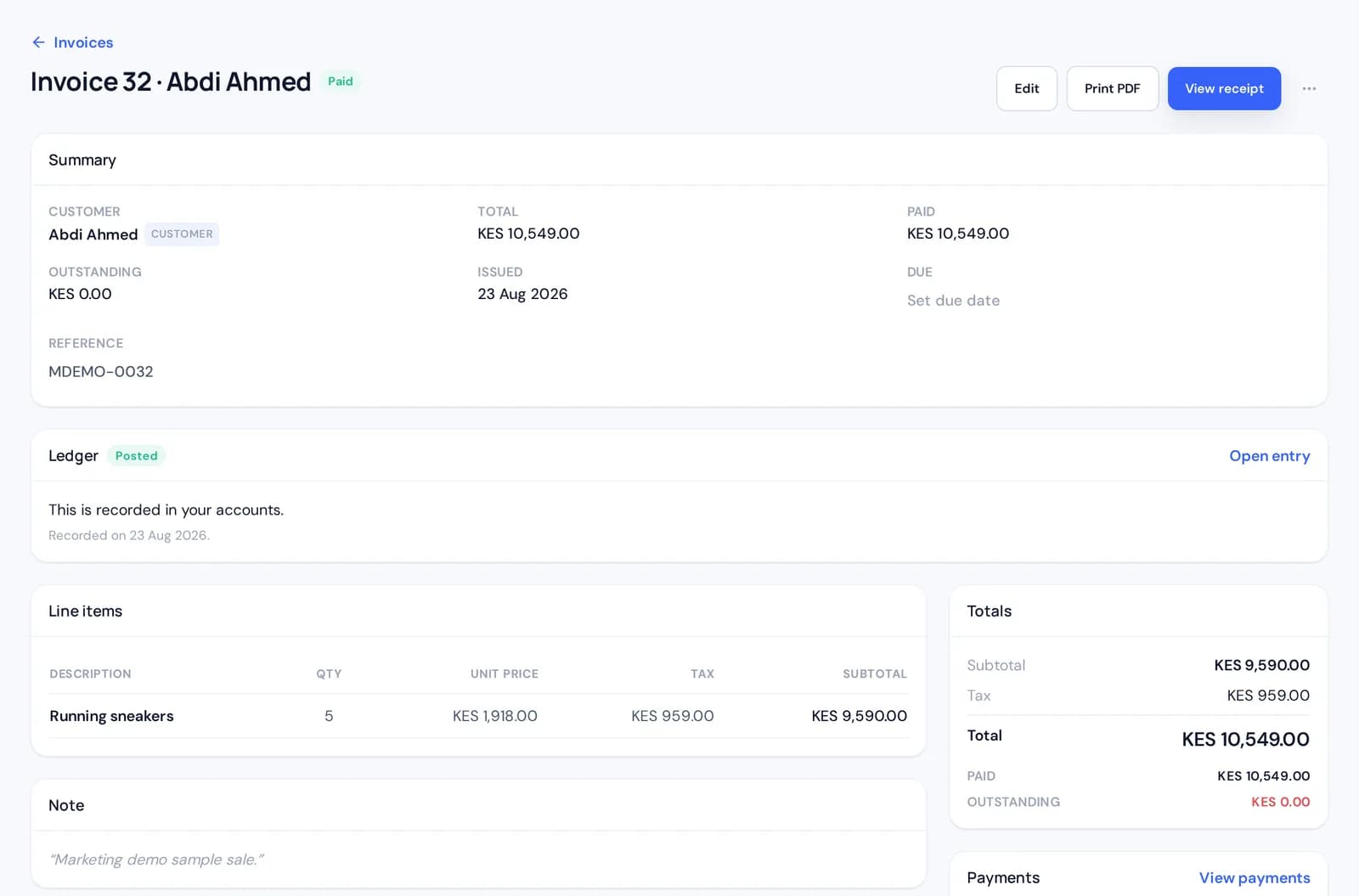
One invoice with the customer, the totals and the paid status.
Conversations
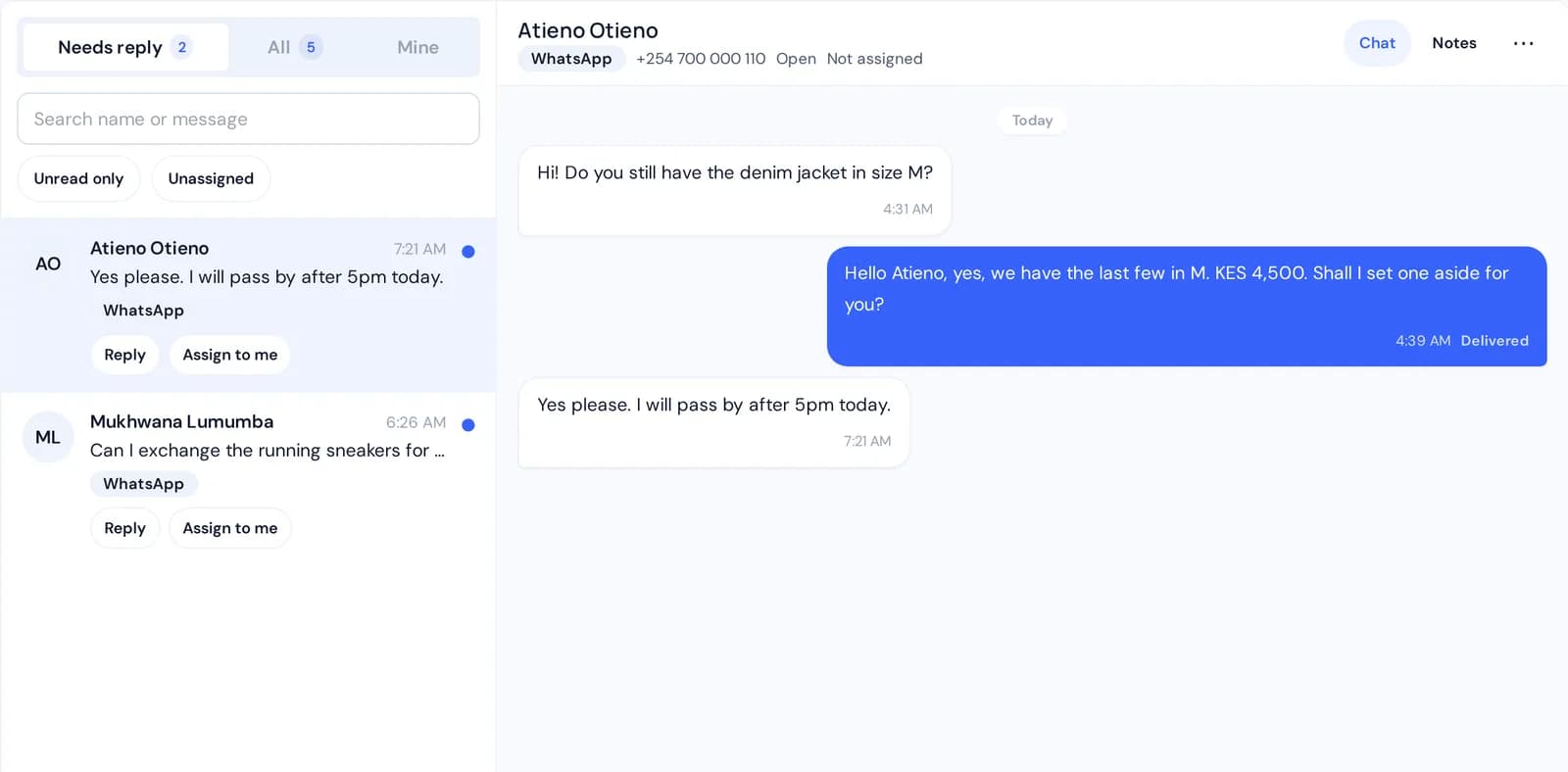
A customer's WhatsApp thread beside the inbox.
What is inside
Start with one. Add the others when the business asks for them.
One sale, five parts
Nothing is typed twice. Each step builds on the record before it.
They pick a product, choose their options and check out. The order reaches you as an invoice marked as coming from the web.
Record cash, a transfer or a card payment, or let the customer pay from the invoice link. The invoice shows the total, what has arrived and what is left.

The order and the payment sit on the same customer. On Basic, WhatsApp chats sit there too.

On Business, the quantity comes off the shelf when the invoice is issued. Receive new goods and the count goes back up.

Sales and money collected are on Flex. Money still owed, across customers, is on Basic.

Same everywhere
A person is one record. Their orders, bookings, payments and messages hang off it.
Sell the same item at the till, on your site and on an invoice. Change it once.
Every payment lands on the invoice it belongs to, so a balance is never a guess.
On Business. Give a cashier the till and keep the books for the owner. What people see follows their role.
Run the day from the BizPlusX app or from the web workspace. Same business, same records.
Bookings are on Flex. A register is on Basic. Stock and a team are on Business. A kitchen screen is on Growth.
BizPlusX is built for owners in Kenya, the UAE and wherever else you trade. Set your currency and your tax rate, then add the payment methods your customers use.
Connections
Start free with invoices, simple sales and bookings. Add a register on Basic, or stock and a team on Business.
BizPlusX uses essential cookies to run this site. With your OK we also use a Meta pixel to measure visits. Cookie policy